
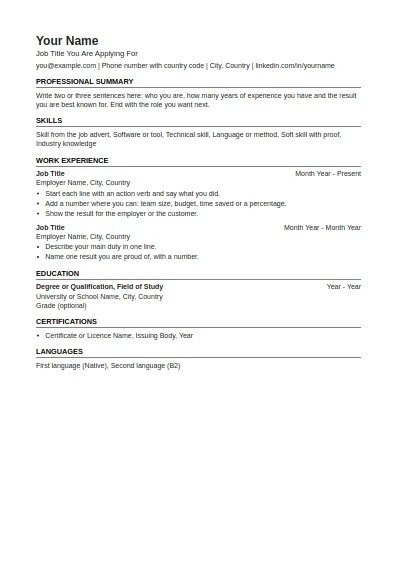
ATS-Friendly CV
One column, standard headings, no tables or graphics. The safest choice for online application systems.
Fill in this format onlineThis CV builder online turns your details into a finished CV in the format you choose. Fill in the form, pick one of 11 layouts, check the preview and download a real Word file or a PDF. Your text stays in your browser and is sent to our server only at the moment a file is made. It is not stored there.
Your text is kept in this browser only. It is sent to our server to make the file and is not stored there.
There is no account wall and no paid tier in front of the download button. The Word file is a normal .docx with real headings, a real bullet list and standard fonts (Arial or Times New Roman), so it opens in Word, Google Docs, LibreOffice and Pages without repair messages. The PDF contains selectable text, not a picture of text, which matters when an employer's system reads your CV.
If you have a Dev Global Jobs account, the button Use my profile fills the form from the profile you already saved. Nothing is sent to an employer from this page.
This follows the public guidance of the UK National Careers Service and the Government of Canada Job Bank, listed under Sources.
Applying through an online form or a large employer: take the ATS-friendly format. Applying in the United States or Canada: use the US or Canadian resume on Letter paper. Germany expects a table layout with dates on the left. Students and graduates should put education first. For research and teaching posts, use the academic format, which has room for publications and grants.
One column, standard headings, no tables or graphics. The safest choice for online application systems.
Fill in this format online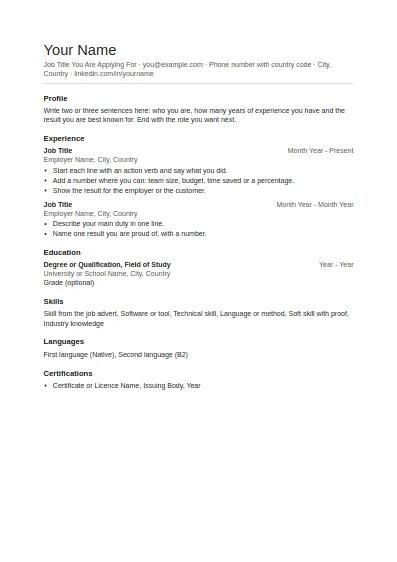
Clean and plain with generous white space. Good for any job and easy to edit.
Fill in this format online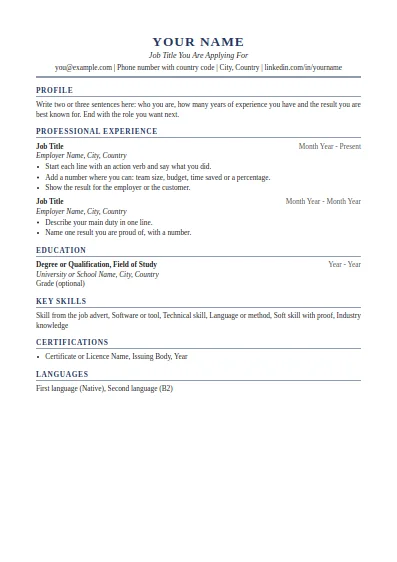
Classic serif layout with a centred header. Suits managers, finance, law and senior roles.
Fill in this format online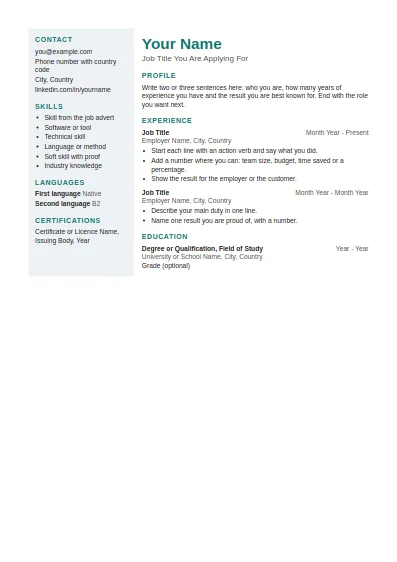
Two columns with a shaded side panel for contact details and skills. Best when a person, not a system, reads it first.
Fill in this format online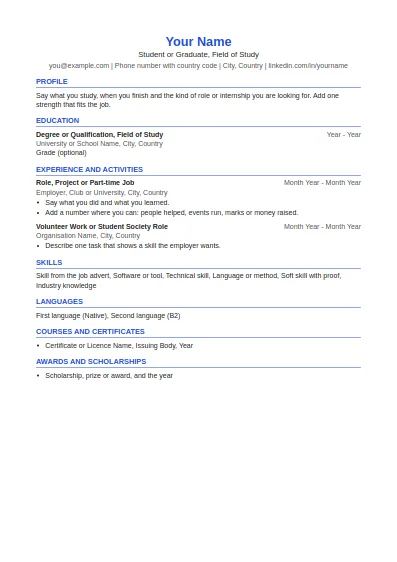
Education first, then projects, part-time work and activities. Made for a first CV.
Fill in this format online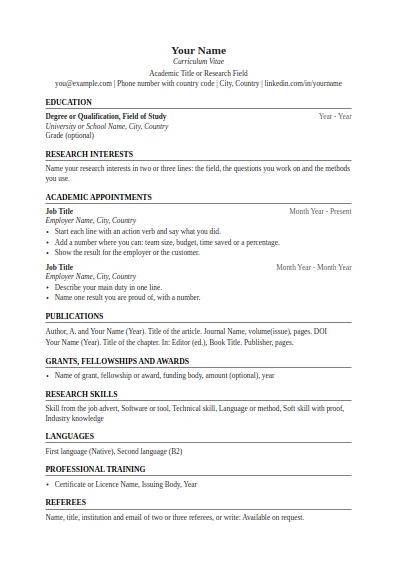
Education, research interests, appointments, publications, grants and referees. No page limit.
Fill in this format online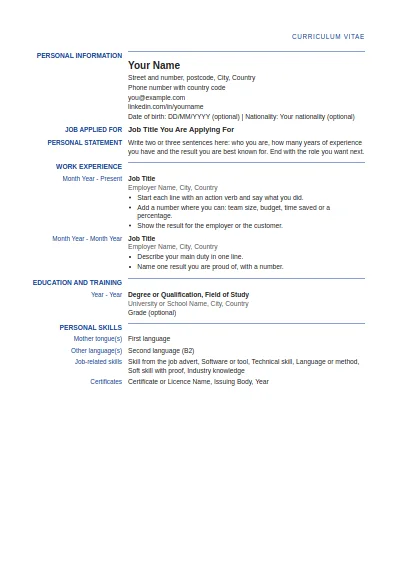
Label and detail columns in the order used by the Europass CV. This is our own layout, not the official EU tool.
Fill in this format online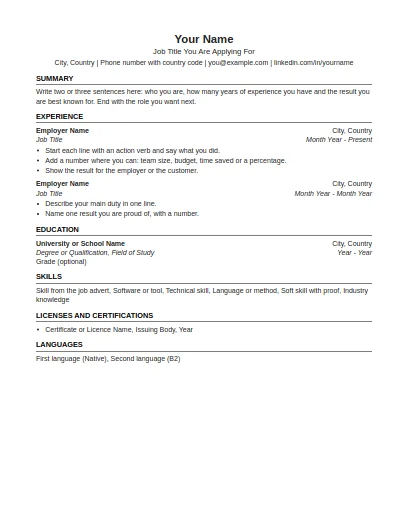
US Letter paper, one page focus, no photo and no personal details such as age or marital status.
Fill in this format online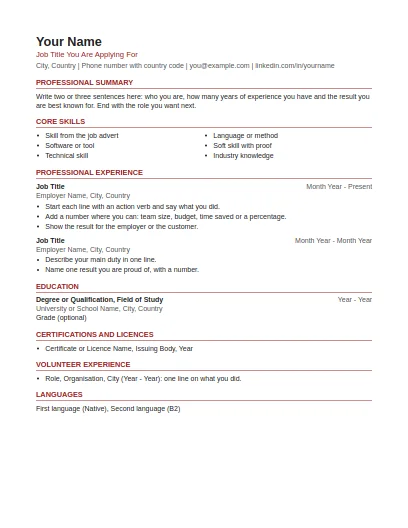
US Letter paper, summary and skills first, volunteer work included, no photo or personal details.
Fill in this format online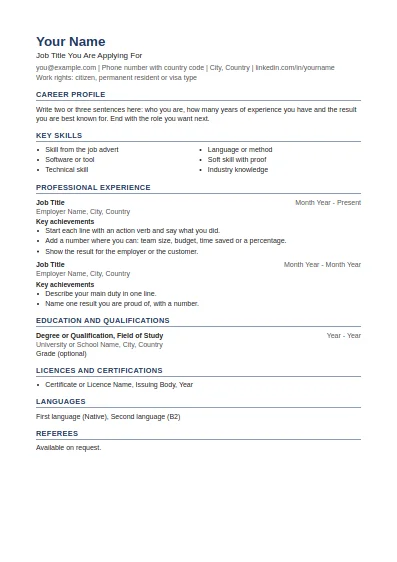
Career profile, key skills, achievements under each job and referees at the end.
Fill in this format online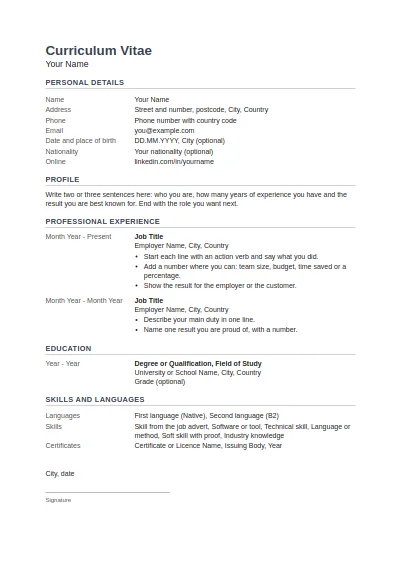
Tabular layout with dates on the left, personal details block, and place, date and signature at the end.
Fill in this format onlineSources last checked: 2 October 2026.
Yes. Building, previewing and downloading are free, with no sign-up and no watermark on the Word file or the PDF.
This one. You can fill in the form and download both files without an account. An account is only needed if you want to fill the form from a saved Dev Global Jobs profile.
In your own browser, so the form is still filled when you come back. Our server receives the text only to make the file you asked for and does not keep it. Clear form deletes the saved text from your browser.
Send the PDF unless the advert asks for Word. Keep the Word file for yourself so you can change the CV for the next application.
Yes. Each format starts with the size used where it is common: A4, or US Letter for the US and Canadian resumes. You can switch between A4 and Letter before you download.
One to two pages suits most jobs. The Government of Canada Job Bank advises a limit of two pages and the Queensland Government suggests one to three pages depending on how long you have worked. Academic CVs are the exception and can run longer.
Free tools and guides for your job search.