
ATS-Friendly CV
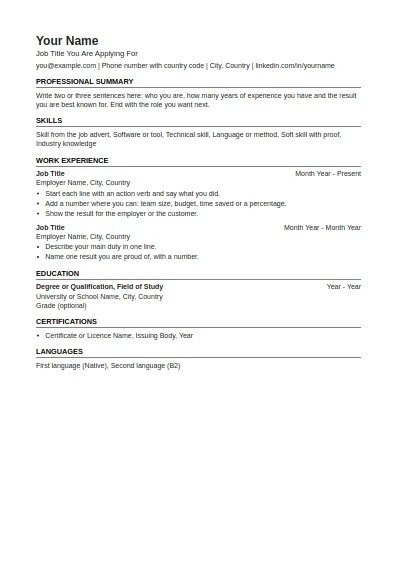
One column, standard headings, no tables or graphics. The safest choice for online application systems.
Fill in this format onlineEvery CV template on this page is a real file you can open and edit: a Word document (.docx) and a matching PDF. There are 11 formats, from a plain ATS-friendly layout to country formats for the United States, Canada, Australia and Germany. No sign-up, no watermark.
One column, standard headings, no tables or graphics. The safest choice for online application systems.
Fill in this format online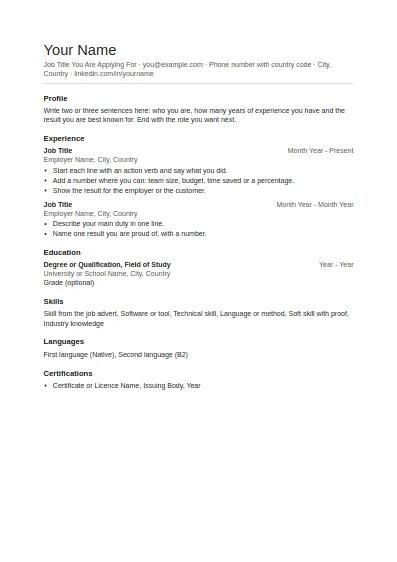
Clean and plain with generous white space. Good for any job and easy to edit.
Fill in this format online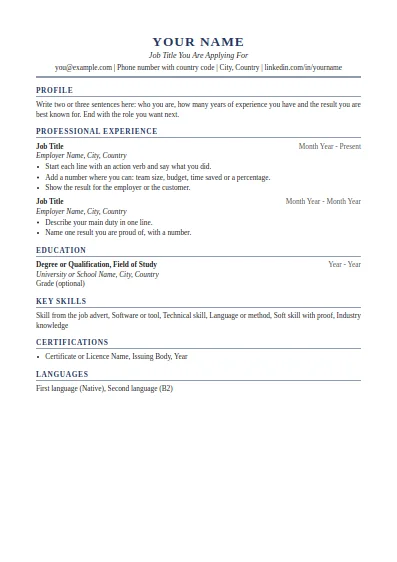
Classic serif layout with a centred header. Suits managers, finance, law and senior roles.
Fill in this format online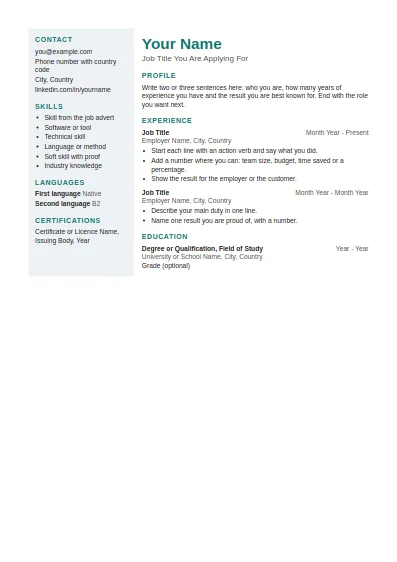
Two columns with a shaded side panel for contact details and skills. Best when a person, not a system, reads it first.
Fill in this format online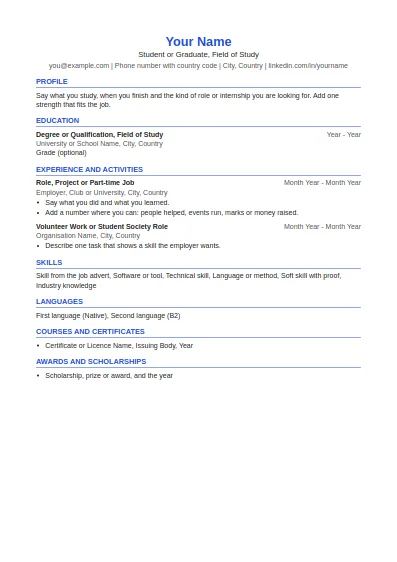
Education first, then projects, part-time work and activities. Made for a first CV.
Fill in this format online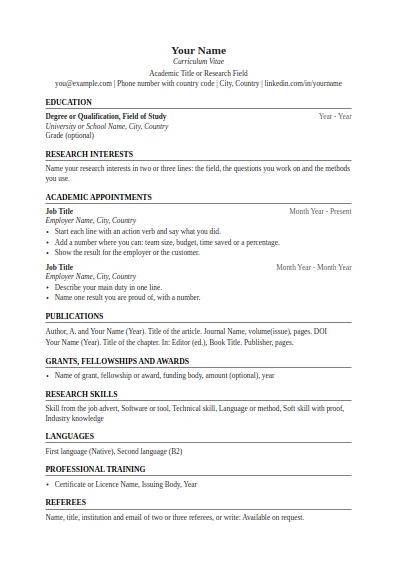
Education, research interests, appointments, publications, grants and referees. No page limit.
Fill in this format online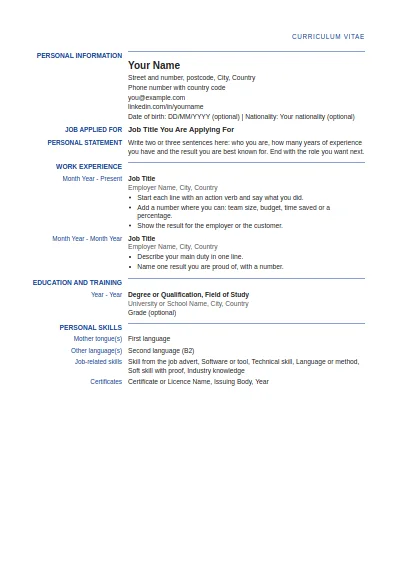
Label and detail columns in the order used by the Europass CV. This is our own layout, not the official EU tool.
Fill in this format online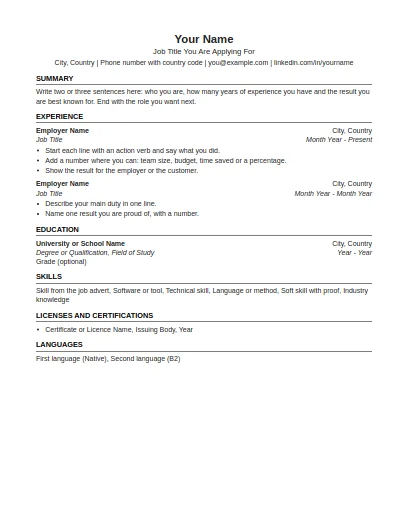
US Letter paper, one page focus, no photo and no personal details such as age or marital status.
Fill in this format online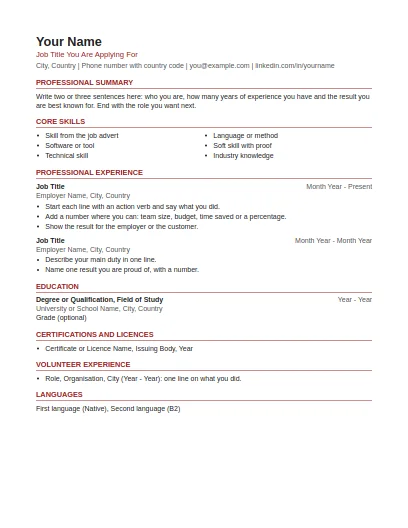
US Letter paper, summary and skills first, volunteer work included, no photo or personal details.
Fill in this format online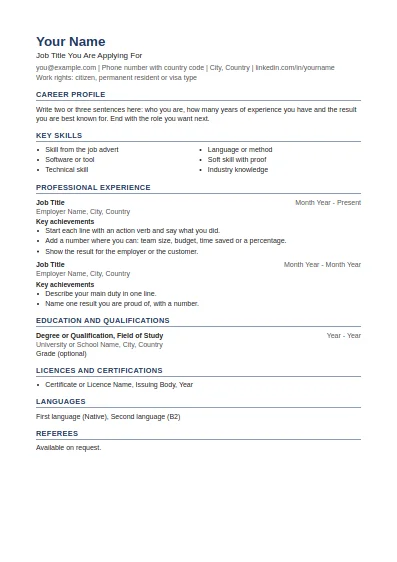
Career profile, key skills, achievements under each job and referees at the end.
Fill in this format online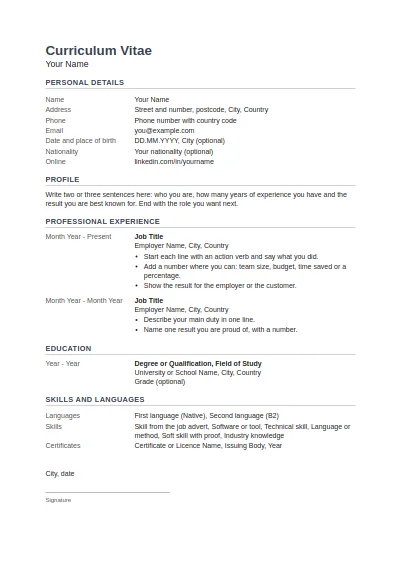
Tabular layout with dates on the left, personal details block, and place, date and signature at the end.
Fill in this format onlineBuild a CV online, pick a format, or start from the style used in the country where you apply.
Fill in one form and download your CV in Word or PDF, in any of the 11 formats.
The same builder, set up for US, Canadian and Australian style resumes.
Which layout to use and how to set out each section of a CV.
All 11 formats, with the US, Canadian and Australian resumes shown first.
One column and standard headings, for employers that read CVs with software.
A clean one column layout with plenty of white space, for any job.
A classic layout with a centred header, for experienced candidates.
Two columns with a side panel for contact details and skills.
All 11 formats as .docx files, checked in Microsoft Word.
Open any of the 11 formats in Google Docs, step by step.
Education first, then projects and part-time work: for a first CV.
Research, publications, grants and referees, for university posts.
American format on Letter paper, with no photo or personal details.
Summary and skills first, with volunteer work included.
Career profile, key skills and referees, on A4 paper.
The table layout with dates on the left, with English headings.
The European label and detail layout. Our own file, not the official EU tool.
All 11 files use Arial or Times New Roman, real heading styles and a real bullet list, so they stay tidy when you edit them. Nine formats are single column. The modern format and the two table formats (Europass-style and German) use a simple two column table and nothing else: no text boxes, no images, no icons.
The UK National Careers Service advises a clear font such as Arial or Times New Roman at size 11 or bigger, with headings and bullet points to make a CV easy to read. The templates are built that way.
The CV builder takes your details once and gives you the same 11 formats filled in, as Word or PDF.
Sources last checked: 2 October 2026.
Yes. Every Word file and PDF on this page downloads directly, with no account and no payment, and carries no watermark.
For online application forms, choose the ATS-friendly format. For a first job, the student format. For research posts, the academic format. If you apply in the US, Canada, Australia or Germany, use the format for that country.
Yes. Upload the Word file to Google Drive and open it with Google Docs. The page about Google Docs explains the steps.
No. Job Bank Canada says a photo is not the norm in Canada, and in the United States an employer should not ask for one before a job offer. In Germany a photo is often expected, and you can add one to the Word file yourself.
Each Word file is under 10 KB and each PDF is under 100 KB. They are A4, except the US and Canadian resumes, which use Letter paper.
Yes. You may use and adapt the files for your own applications, for clients or in class. Please link to this page instead of hosting the files elsewhere.
Free tools and guides for your job search.