
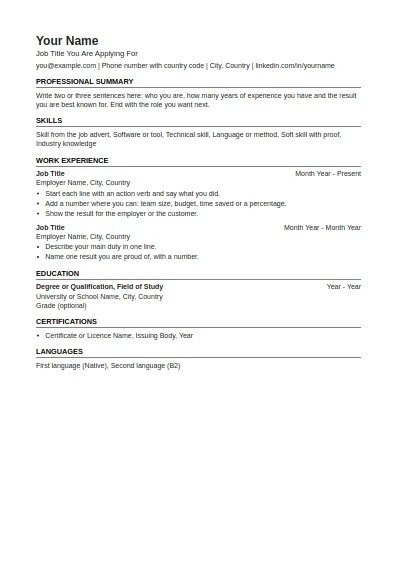
ATS-Friendly CV
One column, standard headings, no tables or graphics. The safest choice for online application systems.
Fill in this format onlineType your details once and this resume builder lays them out as a clean one or two page resume. It starts with the US format on Letter paper and offers ten more layouts. It is a resume builder free to use from the first field to the download, and your text is not stored on our server.
Your text is kept in this browser only. It is sent to our server to make the file and is not stored there.
The Government of Canada Job Bank advises keeping a resume to two pages, tailoring it to the position, using simple words and action verbs, and limiting each section to five to seven bullet points. It also says to leave out personal details such as age, marital status and religion, never to include a Social Insurance Number, and not to add a photo.
In the United States, the Equal Employment Opportunity Commission states that an employer should ask for a photograph only after a job offer has been made and accepted, and should avoid questions that reveal age, religion or national origin. A resume without those details is the normal way to apply.
Employers in the United States and Canada usually say resume and expect one or two pages. In the United Kingdom, Europe and much of Asia and Africa the same document is called a CV. Academic jobs everywhere use a longer CV with publications. The builder is the same tool for all of them: only the format you pick changes.
One column, standard headings, no tables or graphics. The safest choice for online application systems.
Fill in this format online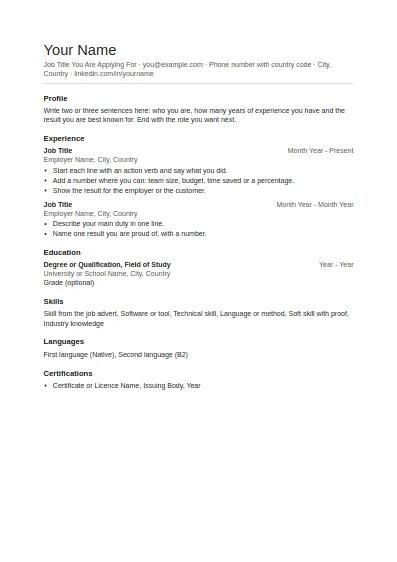
Clean and plain with generous white space. Good for any job and easy to edit.
Fill in this format online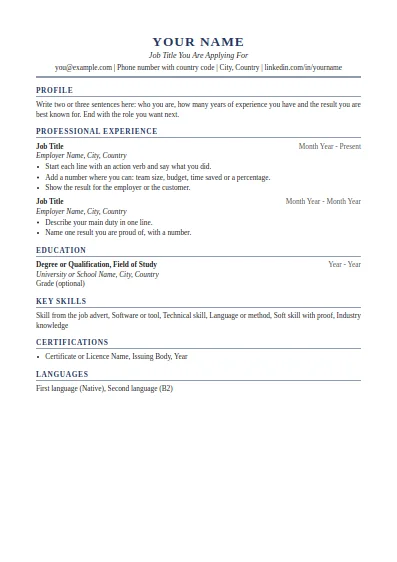
Classic serif layout with a centred header. Suits managers, finance, law and senior roles.
Fill in this format online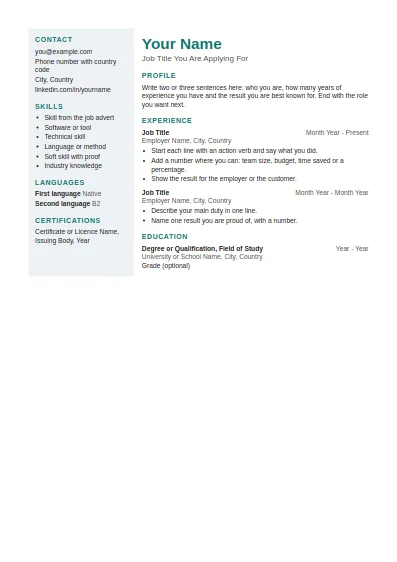
Two columns with a shaded side panel for contact details and skills. Best when a person, not a system, reads it first.
Fill in this format online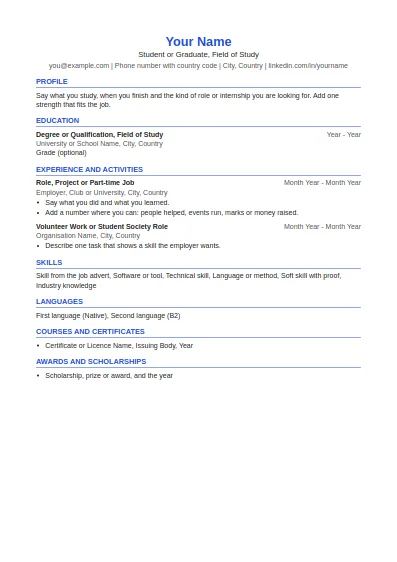
Education first, then projects, part-time work and activities. Made for a first CV.
Fill in this format online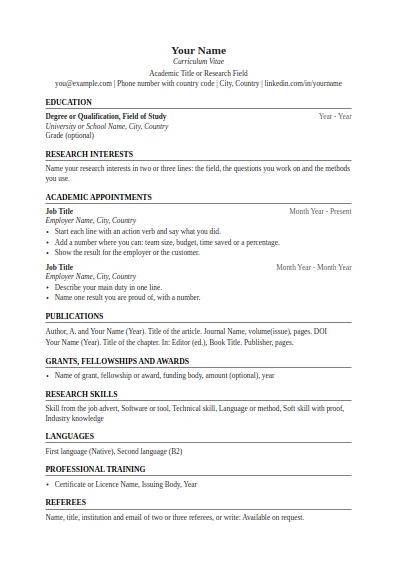
Education, research interests, appointments, publications, grants and referees. No page limit.
Fill in this format online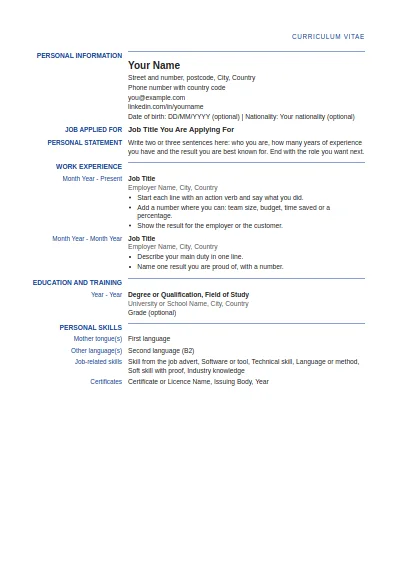
Label and detail columns in the order used by the Europass CV. This is our own layout, not the official EU tool.
Fill in this format online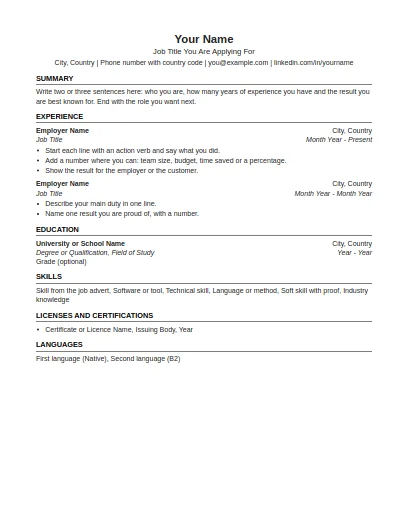
US Letter paper, one page focus, no photo and no personal details such as age or marital status.
Fill in this format online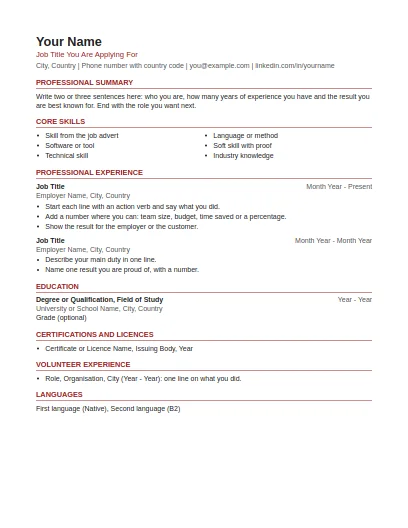
US Letter paper, summary and skills first, volunteer work included, no photo or personal details.
Fill in this format online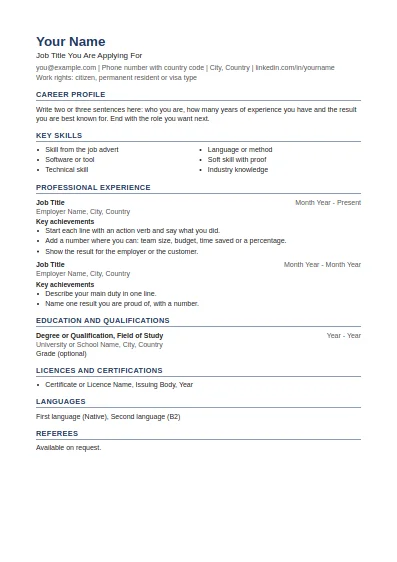
Career profile, key skills, achievements under each job and referees at the end.
Fill in this format online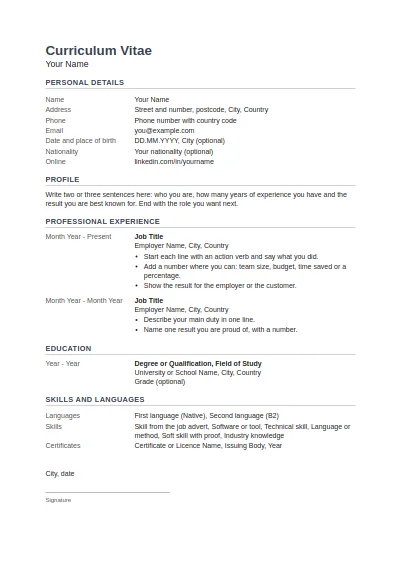
Tabular layout with dates on the left, personal details block, and place, date and signature at the end.
Fill in this format onlineSources last checked: 2 October 2026.
Yes. You can download the Word file and the PDF without paying and without creating an account. There is no watermark.
The US and Canadian formats use Letter paper (8.5 by 11 inches). The other formats use A4. You can switch the size before you download.
Yes. An account is optional. If you have one, the button Use my profile fills the form from your saved profile.
The US, Canadian and ATS-friendly formats use one column, standard section headings and plain fonts, with no tables, text boxes or images around the main text. That is the safest structure for systems that read resumes.
Yes. The Word file is a normal .docx. Open it in Word, Google Docs or LibreOffice and change anything you like.
As many as you need. Change the text for each application and download again. To keep the service fast for everyone, very frequent downloads from one connection are slowed down.
Free tools and guides for your job search.