
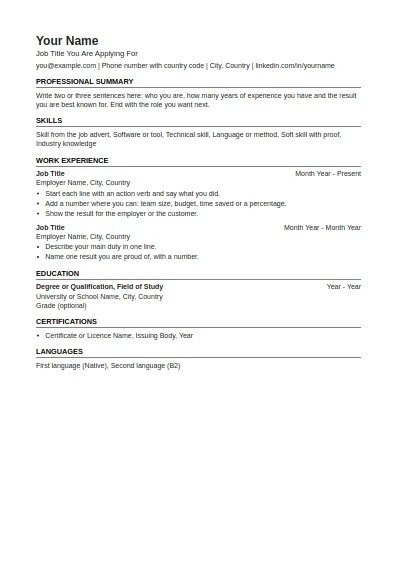
ATS-Friendly CV
One column, standard headings, no tables or graphics. The safest choice for online application systems.
Fill in this format onlineEach CV template Word file on this page is a normal .docx document, written to open cleanly in Microsoft Word and in every program that reads Word files. We opened all 11 in Microsoft Word before publishing them: each one loads as a single page with no repair message.
One column, standard headings, no tables or graphics. The safest choice for online application systems.
Fill in this format online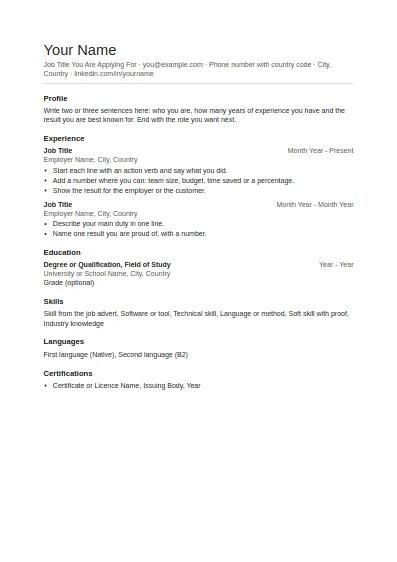
Clean and plain with generous white space. Good for any job and easy to edit.
Fill in this format online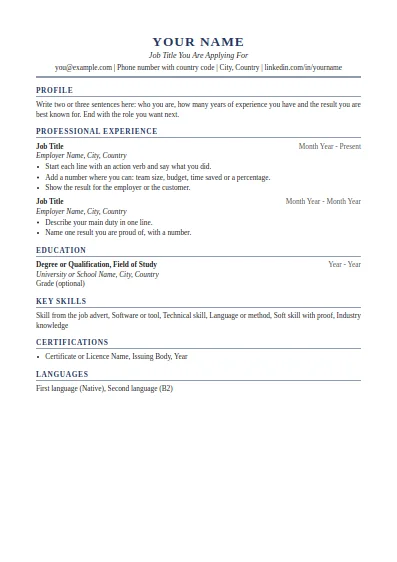
Classic serif layout with a centred header. Suits managers, finance, law and senior roles.
Fill in this format online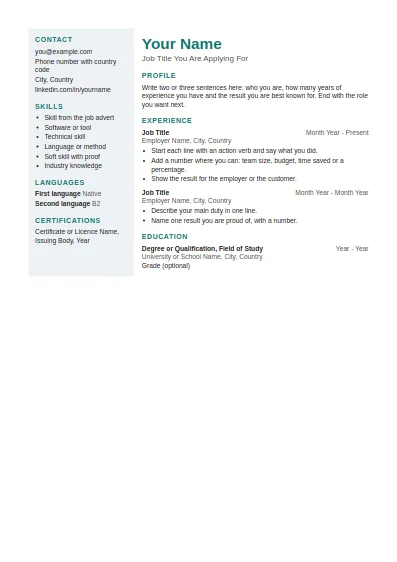
Two columns with a shaded side panel for contact details and skills. Best when a person, not a system, reads it first.
Fill in this format online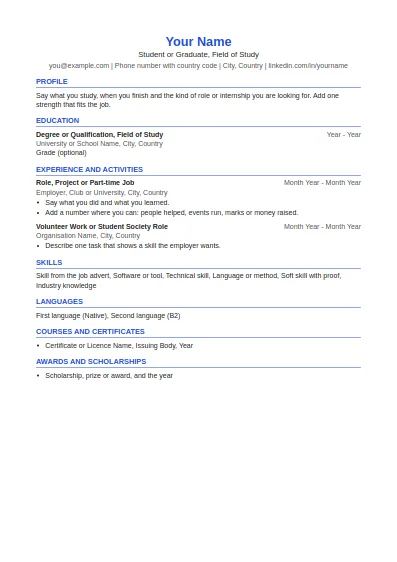
Education first, then projects, part-time work and activities. Made for a first CV.
Fill in this format online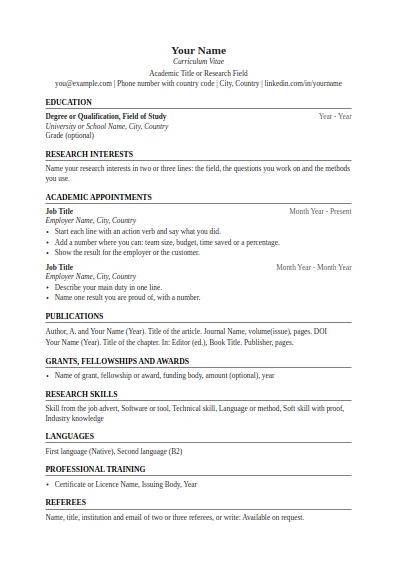
Education, research interests, appointments, publications, grants and referees. No page limit.
Fill in this format online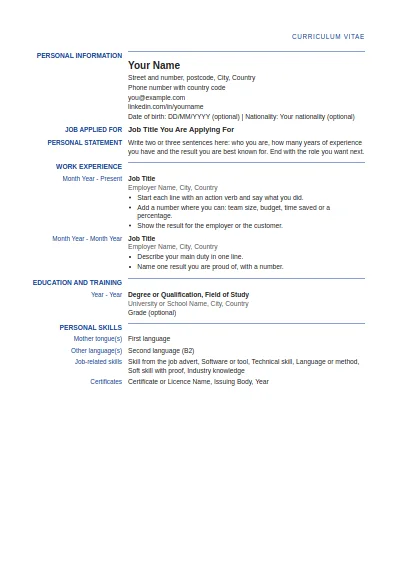
Label and detail columns in the order used by the Europass CV. This is our own layout, not the official EU tool.
Fill in this format online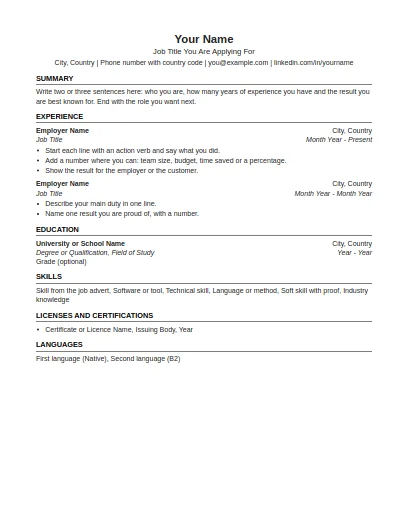
US Letter paper, one page focus, no photo and no personal details such as age or marital status.
Fill in this format online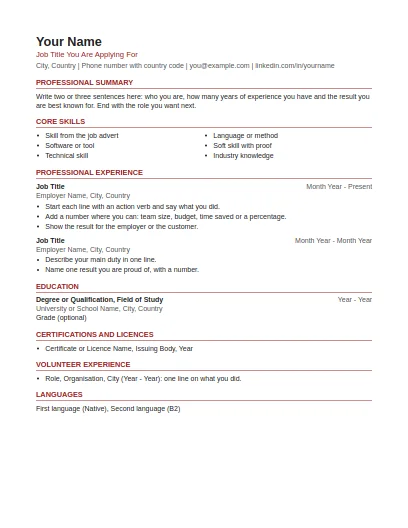
US Letter paper, summary and skills first, volunteer work included, no photo or personal details.
Fill in this format online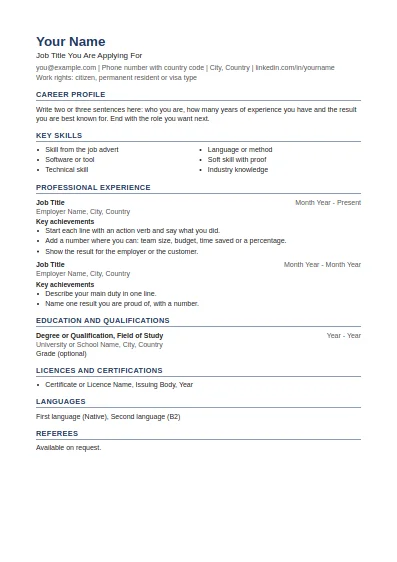
Career profile, key skills, achievements under each job and referees at the end.
Fill in this format online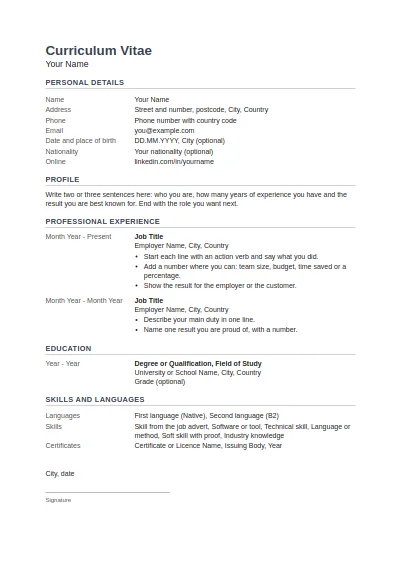
Tabular layout with dates on the left, personal details block, and place, date and signature at the end.
Fill in this format onlineTo change colours or sizes in one go, right click a heading, choose Select All Text With Similar Formatting, then set the new colour or size. To switch paper size, use Layout, Size and pick A4 or Letter. To save a PDF, use File, Save As and choose PDF.
Use the Word file if you like to work in Word. Use the CV builder if you would rather fill in a form: it gives you the same formats with your text already in place.
Sources last checked: 2 October 2026.
The download is free. The files are in the .docx format, which Word has used since Word 2007.
Yes. All three open .docx files. Small differences in line spacing are normal between programs.
Plain text and simple structure survive editing and are read correctly by application systems. You can add your own design on top.
Copy a whole job block (title line, employer line and bullets) and paste it below. The spacing and tab stops come with it.
Yes. Every format page offers the PDF next to the Word file.
The simple CV format and the ATS-friendly format. Both are single column with no tables.
Free tools and guides for your job search.